
Maynilad laboratory gets DENR accreditation
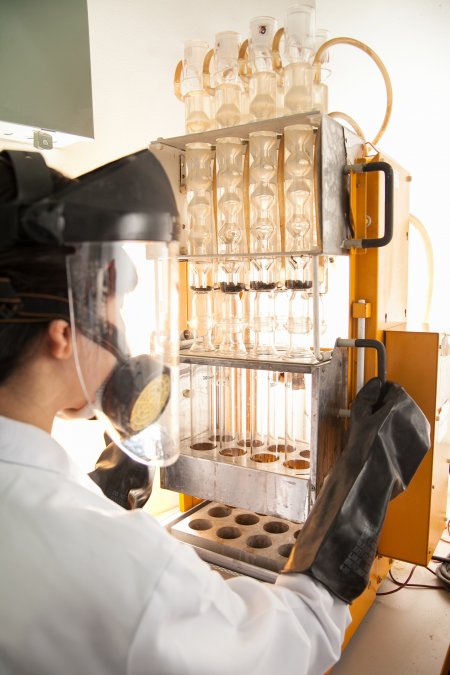
The Central Laboratory of West Zone concessionaire Maynilad Water Services, Inc. (Maynilad) has secured its accreditation as an environmental testing laboratory of the Department of Environment and Natural Resources (DENR). Maynilad’s Central Laboratory, which monitors and tests the quality of water and wastewater in the West Zone, passed the stringent assessment of DENR which […]
Maynilad exec is outstanding chemical engineer—PRC
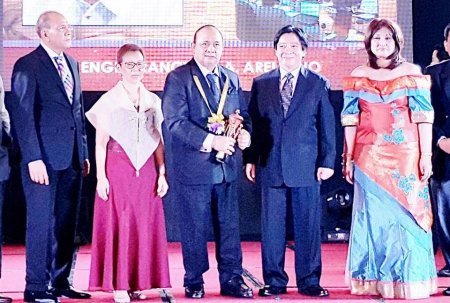
Engr. Francisco A. Arellano—head of the Quality, Environment, Safety and Health division of Maynilad Water Services, Inc. (Maynilad)—was hailed as “Outstanding Chemical Engineer” by the Professional Regulation Commission (PRC) during this year’s PRC Awards Night held at the Manila Hotel recently. Arellano is among 36 outstanding professionals recognized by the PRC for exemplifying excellence […]
Maynilad acquires tablets for its field personnel
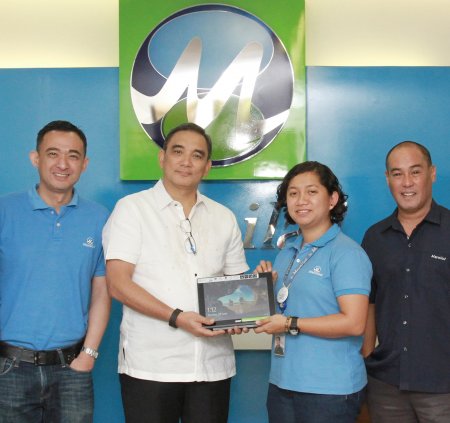
West Zone concessionaire Maynilad Water Services, Inc. (Maynilad) has purchased brand-new computer tablets for the use of its 337 Zone Specialists, in line with its objective of empowering employees and improving service to customers. The new tablets will improve the response time of Maynilad’s field personnel, as it will enable them to have quick access […]
Maynilad’s NRW group receives ISO certifications
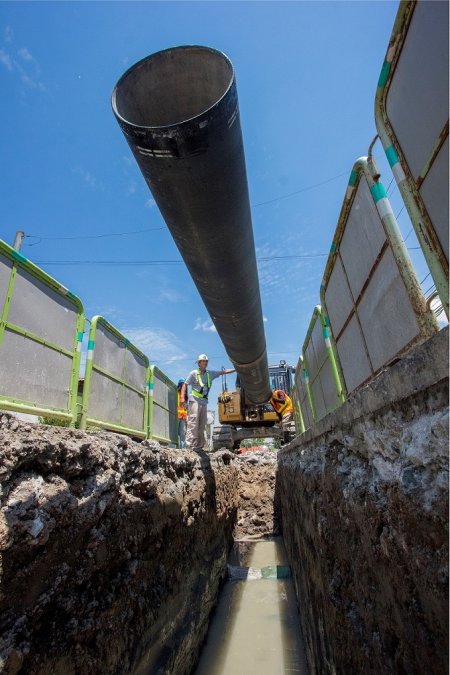
The Central Non-Revenue Water (CNRW) Division of West Zone concessionaire, Maynilad Water Services, Inc. (Maynilad), was recently conferred three ISO certifications, bringing the company’s total number of ISO certificates to 209. Maynilad’s CNRW Division—primarily tasked to recover water lost from the network due to physical leaks and commercial losses—passed the strict audit for three management […]
Maynilad honored as Manila top taxpayer
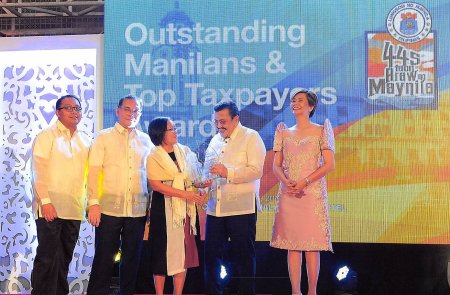
West Zone concessionaire Maynilad Water Services, Inc. (Maynilad) was once again proclaimed by the Manila City government as one of the City’s top business taxpayers for the fiscal year of 2015. Maynilad was among the 10 companies honored during the “Outstanding Manilans & Top Taxpayers Awards 2016” recognition ceremony held to coincide with the celebration […]
Maynilad cleans 40K septic tanks in 1st half of 2016; offers desludging service this July

West Zone concessionaire Maynilad Water Services, Inc. (Maynilad) cleaned more than 40,000 septic tanks from around 44,000 accounts during the first half of 2016, allowing it to collect and treat more than 86,000 cubic mewters of septage. The company’s effort to promote the benefits of septic tank cleaning resulted to an 81% increase in the […]
Maynilad constructs Tunasan sewage treatment plant
West Zone concessionaire Maynilad Water Services, Inc. (Maynilad) has begun the construction of a new sewage treatment plant (STP) in Tunasan, Muntinlupa City. Once completed, this facility will bring the total number of STPs within Maynilad\’s concession area to 20. The Tunasan STP has a design capacity of 20 million liters per day (MLD), and […]
Maynilad supports home food security program
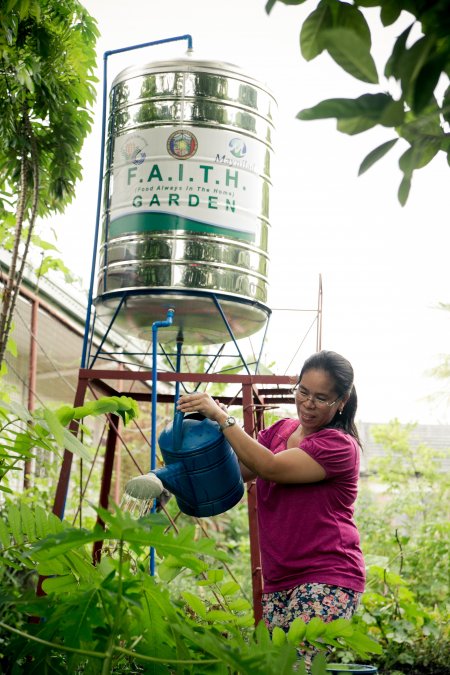
West Zone concessionaire Maynilad Water Services, Inc. (Maynilad) donated overhead water tanks and drip irrigation systems to Barangays UPS5 (United Parañaque Subdivision 5) and BF in Parañaque, in support of the city government’s home food security program “Food Always in the Home (FAITH) Gardens”. The community development initiative is intended to promote better nutrition and […]
Maynilad named NCR safety and health champion by DOLE
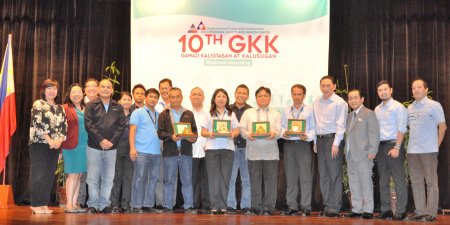
West Zone concessionaire Maynilad Water Services, Inc. (Maynilad) emerged as the National Capital Region (NCR) Champion at the recently concluded 10th Gawad Kaligtasan at Kalusugan (GKK) Regional Awarding. The biennial national award is given by the Department of Labor and Employment (DOLE) to recognize establishments and individuals for responding to the safety and health […]
Maynilad kicks off “Plant for Life”; targets planting of 50k trees in 2016
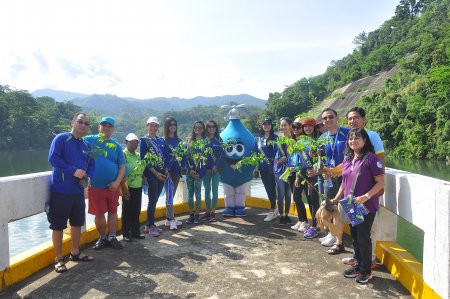
West Zone concessionaire Maynilad Water Services, Inc. (Maynilad) has officially kicked off its annual tree-planting activity “Plant for Life,” which is part of an extensive reforestation program to help save the Ipo Watershed in Norzagaray, Bulacan. The kickoff was graced by the finalists of the Miss Earth Philippines 2016, who rolled up their sleeves to […]
