
Maynilad CIO launches book for IT professionals
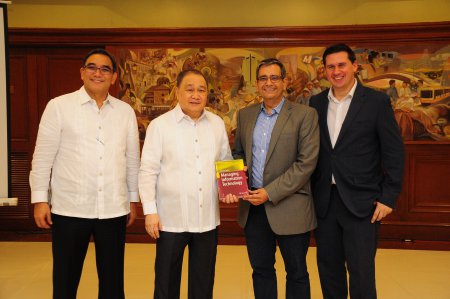
Dr. Francisco “Kiko” C. Castillo (3rd from left), Chief Information Officer (CIO) of Maynilad Water Services, Inc. (Maynilad), recently launched “Managing Information Technology”, a book for IT professionals on how to set up, organize and properly manage an IT Department, based on Castillo’s 25 years of experience in the IT field. Castillo, two-time “ASEAN CIO […]
Maynilad’s NRW group receives triple ISO certifications
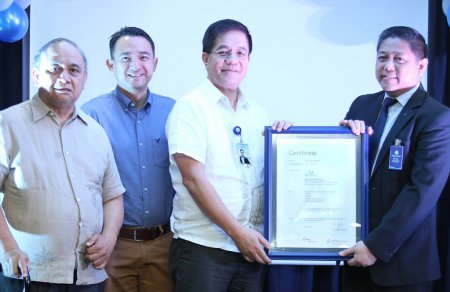
The Central Non-Revenue Water (CNRW) Division of West Zone concessionaire, Maynilad Water Services, Inc. (Maynilad), recently secured three ISO certifications from international auditing and certification body TUV Rheinland Philippines. A total of nine certificates were awarded to three CNRW sites—its headquarters in Makati, Leak Detection Management office in Manila, and Integrated Meter Management laboratory in […]
Maynilad climate change conference draws 170 industry experts
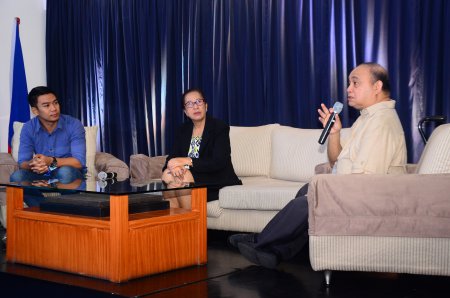
West Zone concessionaire Maynilad Water Services, Inc. (Maynilad) recently gathered over 170 local and international water experts in a conference that pushed for collaboration in addressing problems due to climate change. The Maynilad Water Supply Operations Conference 2016, held at Maynilad’s Balara Head Office in Quezon City, is an annual event that serves as venue […]
Maynilad connects 30k Bacoor residents

West Zone concessionaire Maynilad Water Services, Inc. (Maynilad) recently connected to its water distribution network Queens Row Subpision in Bacoor City, Cavite province. As a result, some 30,100 people now have access to safe and reliable surface water. Residents from this subpision used to extract water from shallow wells or buy expensive water from delivery […]
DOLE cites Maynilad for safety feat
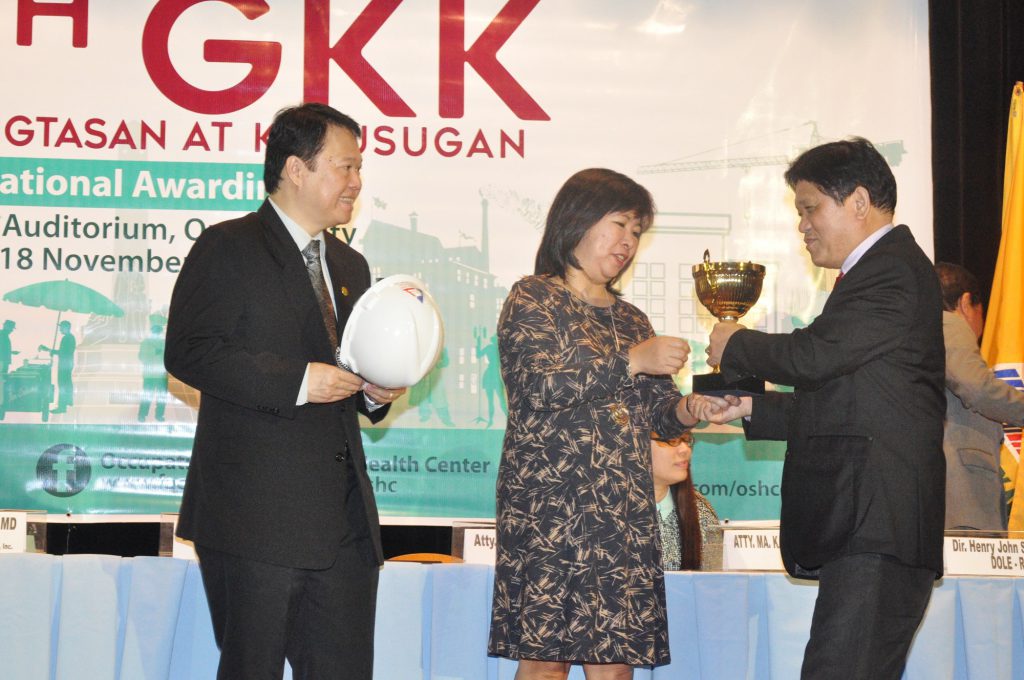
West Zone concessionaire Maynilad Water Services, Inc. (Maynilad) was proclaimed one of the winners in the 10th National Gawad Kaligtasan at Kalusugan (GKK) Awards of the Department of Labor and Employment (DOLE)—a biennial award that recognizes outstanding individuals and organizations in the area of occupational safety and health. The DOLE conferred the recognition on Maynilad’s […]
Maynilad replaces old pipes in Villamor Air Base
West Zone concessionaire Maynilad Water Services, Inc. (Maynilad) has begun replacing 3.2 kilometers of old, leaky water pipes within the Col. Jesus Villamor Air Base in Pasay City, to improve water quality and pressure inside the Philippine Air Force (PAF) facility. � The ₱21.8-million project is being implemented to improve the existing water distribution network […]
Maynilad repairs over 22k leaks as of Q3 2016
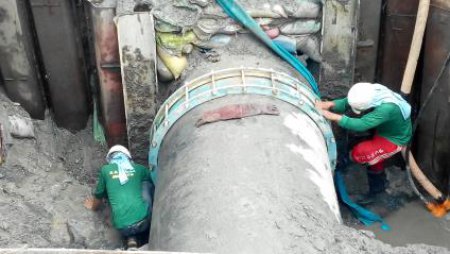
West Zone concessionaire Maynilad Water Services, Inc. (Maynilad) plugged over 22,300 pipe leaks as of the third quarter of this year, bringing the company’s total leak repairs to 302,000 since its re-privatization in 2007. Leak repair is a vital component of Maynilad’s Non-Revenue Water (NRW) Management Program, which seeks to bring down physical and commercial […]
Maynilad’s Lingkod Eskwela Program reaches 143K students in 2016
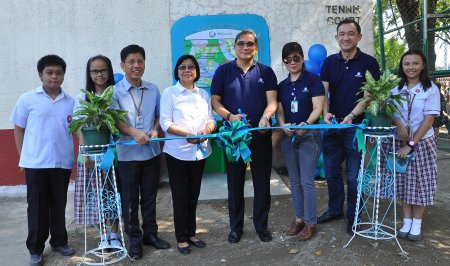
West Zone concessionaire Maynilad Water Services, Inc. (Maynilad) installed 52 drink-wash stations in 46 public schools this year through its Lingkod Eskwela Program, benefiting some 143,000 elementary, high school and college students. Lingkod Eskwela is Maynilad’s flagship corporate social responsibility (CSR) program that aims to promote good health through proper hygiene among students through the […]
Maynilad installs FAITH Garden in Moonwalk, Parañaque
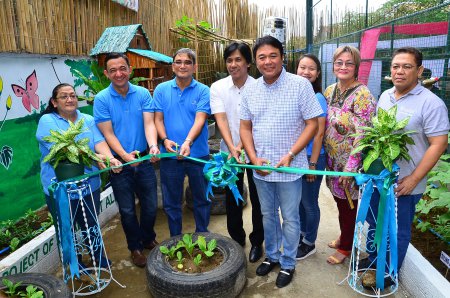
West Zone concessionaire Maynilad Water Services, Inc. (Maynilad) donated an overhead water tank and drip irrigation system to Barangay Moonwalk in Parañaque City—the sixth barangay to benefit from the city government’s home food security program “Food Always in the Home (FAITH) Gardens.” Maynilad has pledged to provide water tanks and drip irrigation systems for all […]
Maynilad awards top-performing vendors

West Zone concessionaire Maynilad Water Services, Inc. (Maynilad) recognized 12 vendors who met its strict performance standards during the company’s annual Top Achievement for Partners (TAP) Awards, held recently at Conrad Hotel Manila in Pasay City. The 12 awardees were judged based on the quality of their products and services, cost efficiency, timely delivery, responsiveness, […]
