
Maynilad offers desludging service this January
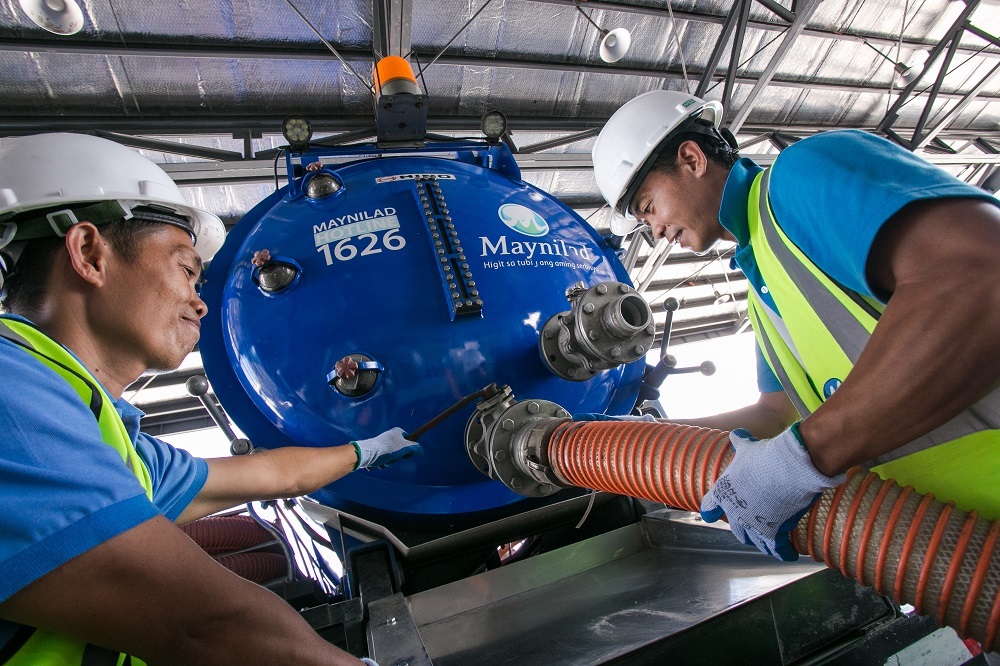
West Zone concessionaire Maynilad Water Services, Inc (Maynilad) is offering septic tank cleaning services to its residential and semi-business customers this January in select parts of Caloocan, Valenzuela, Quezon City, Las Piñas, Muntinlupa, Parañaque, and in Cavite province at no extra cost. Maynilad customers residing at Barangays 2-3, 5-6, 13, 15-16, 18, 33-34, 160, 163, […]
Maynilad increases coverage of poor communities

Over 400,000 indigent households in the West Zone now enjoy potable and affordable water straight from their faucets after becoming beneficiaries of Maynilad’s various “water for the poor” programs. The number marks a significant increase from the 110,000 beneficiary households in January 2007, when Maynilad was re-privatized under new owners. Maynilad, the private water concessionaire […]
Maynilad gets DOH recognition for Water Safety Plan
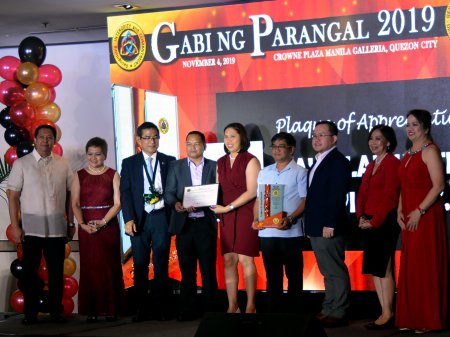
West Zone concessionaire Maynilad Water Services, Inc. (Maynilad) was recently recognized by the Department of Health’s (DOH) Metro Manila Center for Health and Development for its Water Safety Plan (WSP). The Maynilad WSP details programs and procedures in ensuring the safety of water supplied to customers, and corrective actions in case of water contamination. It […]
CONSTRUCTION OF NEW P10.5-B MAYNILAD STP BEGINS
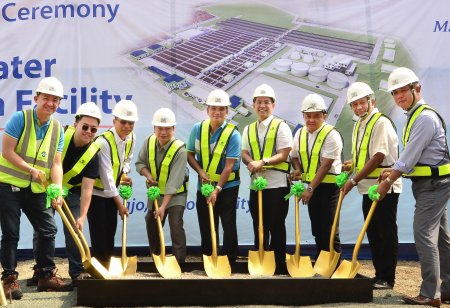
West Zone concessionaire Maynilad Water Services, Inc. (Maynilad) recently broke ground to signal the start of construction for its CAMANA Water Reclamation Facility—a sewage treatment plant (STP) with an 85-kilometer sewer network that will catch wastewater generated by some 1.2 million customers in Caloocan, Malabon and Navotas, thus helping to clean up Manila Bay and […]
Maynilad bags three int’l awards for crisis comm and advocacy

West Zone concessionaire Maynilad Water Services, Inc. (Maynilad) won one Gold and two Silver Awards in the 2019 Stevies International Business Awards (IBA) for its crisis communication and advocacy programs. The Stevies IBA is a prestigious global competition that honors accomplishments in the workplace. This year’s winners—chosen from 4,000 nominations from organizations in 74 nations—were […]
MAYNILAD DONATES POTABLE WATER FOR MINDANAO EARTHQUAKE SURVIVORS
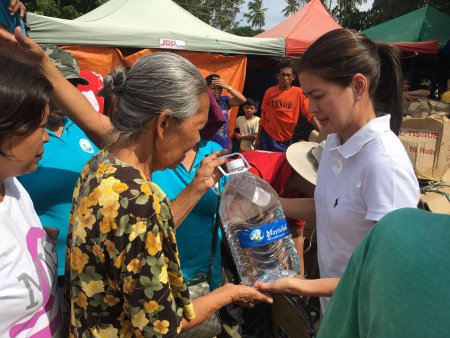
West Zone concessionaire Maynilad Water Services, Inc. (Maynilad) extended its assistance in Mindanao relief efforts by providing safe, drinking water for more than 2,000 earthquake survivors. Maynilad’s hydration assistance include the turnover of 1,200 water gallons, 400 pieces of water containers and 200 pieces of water filters, as well as the deployment of a mobile […]
Maynilad breaks ground for P10.5-billion STP in Caloocan
West Zone concessionaire Maynilad Water Services, Inc. (Maynilad) will hold today, November 11, 2019, the groundbreaking of another Sewage Treatment Plant (STP) that will help clean up waterways flowing to Manila Bay and also improve sanitation conditions in three cities. Called the CAMANA (Caloocan-Malabon-Navotas) Water Reclamation Facility, the P10.5-billion facility will treat wastewater generated […]
Maynilad’s Lingkod Eskwela to reach 120k students in 2019
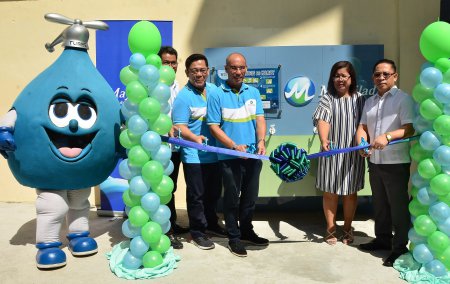
West Zone concessionaire Maynilad Water Services, Inc. (Maynilad) is installing drink-wash stations in 50 public schools this year through its Lingkod Eskwela Program, benefitting some 120,000 elementary and high school students. Lingkod Eskwela is Maynilad’s flagship corporate social responsibility (CSR) program that provides drink-wash facilities and refurbishes water and sanitation facilities in public schools. It […]
Maynilad celebrates Global Handwashing Day 2019
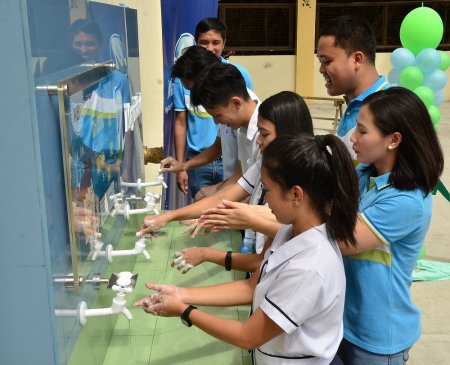
West Zone concessionaire Maynilad Water Services, Inc. (Maynilad) taught proper handwashing to students of Polo National High School in Valenzuela as part of its month-long campaign for Global Handwashing Day (GHD) 2019, an international advocacy that promotes proper handwashing to prevent the spread of disease. Maynilad recently visited 10 schools and reached out to some […]
Maynilad to lay 425 km of sewer lines
West Zone concessionaire Maynilad Water Services, Inc. (Maynilad) is investing over P53.4 billion to install 425 kilometers of new sewer lines from 2020 to 2037, to ensure the provision of sewerage services for its customers. The new sewer lines, to be laid in various portions of the West concession from Caloocan to Cavite over […]
