
Weekly Maintenance Schedule: July 26, 2021 to August 1, 2021
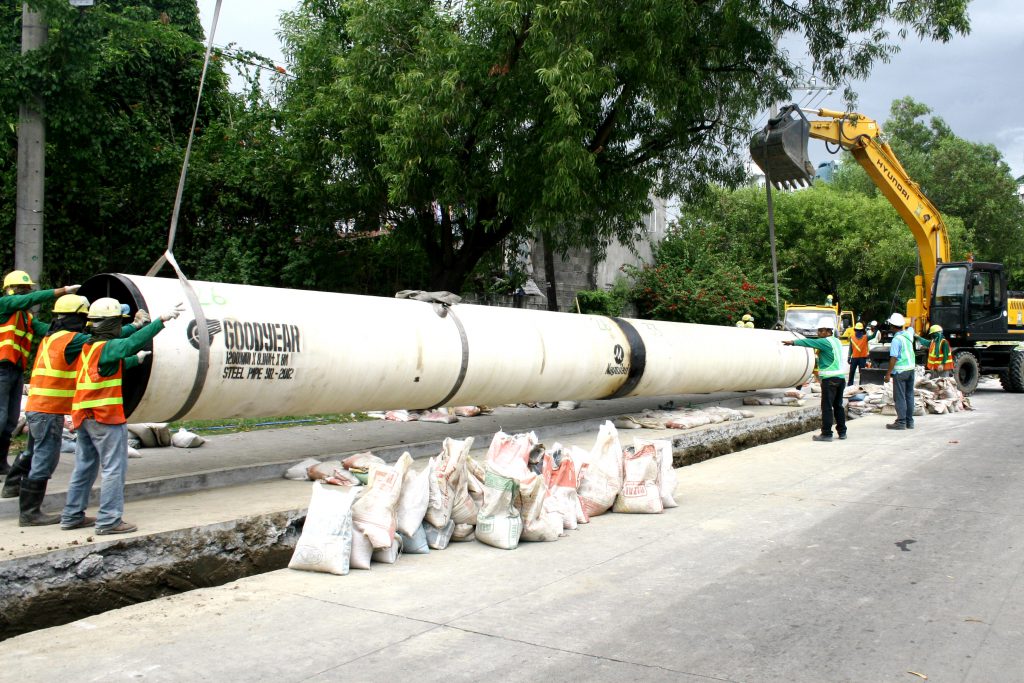
Below are the scheduled maintenance activities of Maynilad from July 26, 2021 until August 1, 2021. These activities are being done as part of the company’s continuous effort to improve water services in the West Zone. Affected customers are encouraged to store enough water for the duration of the water service interruption. Maynilad has water […]
Weekly Maintenance Schedule: July 19 to 27, 2021
Below are the scheduled maintenance activities of Maynilad from July 19, 2021 until July 27, 2021. These activities are being done as part of the company’s continuous effort to improve water services in the West Zone. Affected customers are encouraged to store enough water for the duration of the water service interruption. Maynilad has water […]
MAYNILAD ROLLS OUT COVID-19 VACCINATION FOR 4,000 EMPLOYEES AND DEPENDENTS
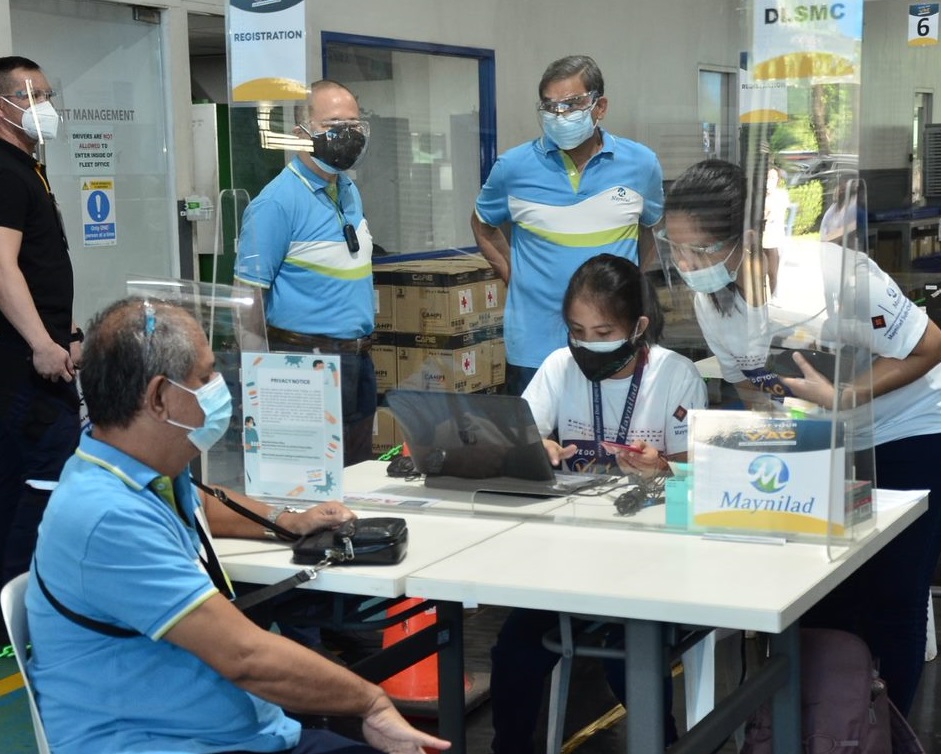
West Zone concessionaire Maynilad Water Services, Inc. (Maynilad) started the rollout of its vaccination program for its employees, including their family members and household companions, with the recent activation of its vaccination site at the Maynilad Head Office in Old Balara, Quezon City. Maynilad employees have been rendering essential services to customers non-stop since the […]
Weekly Maintenance Schedule: July 12 to 19, 2021
Below are the scheduled maintenance activities of Maynilad from July 12, 2021 until July 19, 2021. These activities are being done as part of the company’s continuous effort to improve water services in the West Zone. Affected customers are encouraged to store enough water for the duration of the water service interruption. Maynilad has water […]
Maynilad offers desludging services this July
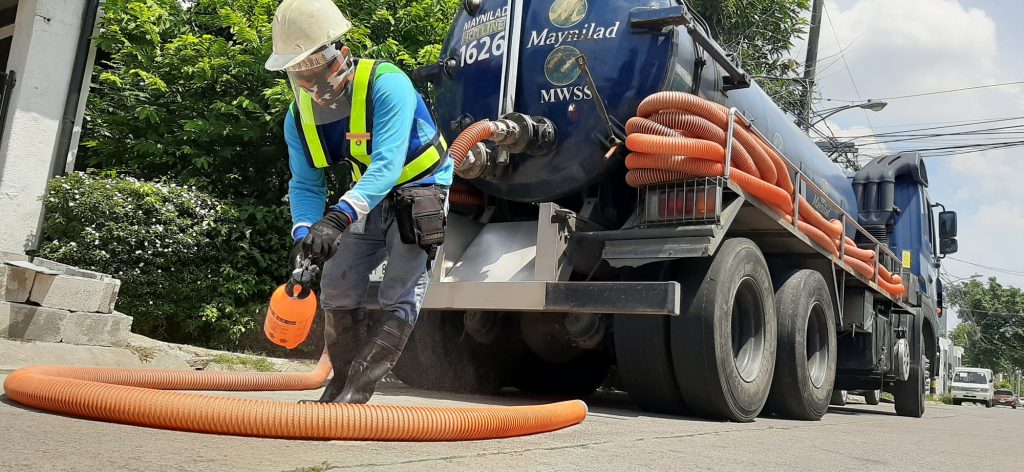
West Zone concessionaire Maynilad Water Services, Inc. (Maynilad) is offering septic tank cleaning services to its residential and semi-business customers this July in select parts of Caloocan, Las Piñas, Makati, Malabon, Manila, Muntinlupa, Parañaque, Pasay, Quezon City, Valenzuela, and in Cavite Province at no extra cost. The company has adopted new and more stringent protocols […]
Maynilad to plant 20k trees in 2021
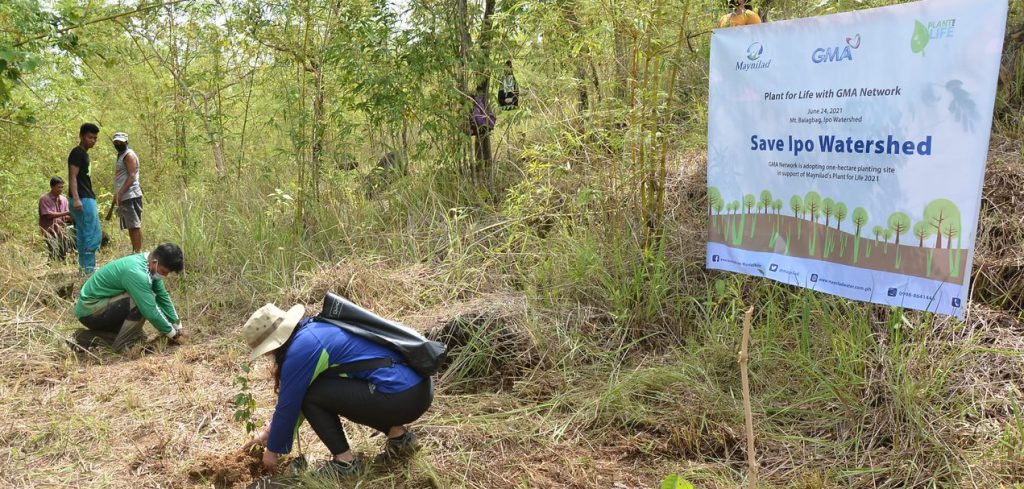
West Zone concessionaire Maynilad Water Services, Inc. (Maynilad) aims to plant around 20,000 native trees over 50 hectares of the Ipo and La Mesa watersheds during this year’s run of its annual “Plant for Life” tree-planting program. Under the program, Maynilad partners with other environment-conscious organizations to hold reforestation activities in the watersheds that replenish […]
Weekly Maintenance Schedule: July 5 to 12, 2021
Below are the scheduled maintenance activities of Maynilad from July 5, 2021 until July 12, 2021. These activities are being done as part of the company’s continuous effort to improve water services in the West Zone. Affected customers are encouraged to store enough water for the duration of the water service interruption. Maynilad has water […]
Maynilad taps Metraweather for weather data analysis

West Zone concessionaire Maynilad Water Services, Inc. (Maynilad) tapped the services of international weather intelligence provider MetraWeather to enhance its forecast and climate data analysis, which will allow for quicker response to weather disturbances that may affect water service. The site-specific forecasts of Metraweather on rainfall patterns, wind direction, and temperature in vital watersheds will […]
Weekly Maintenance Schedule: June 28 to July 5, 2021
Below are the scheduled maintenance activities of Maynilad from June 28, 2021 until July 5, 2021. These activities are being done as part of the company’s continuous effort to improve water services in the West Zone. Affected customers are encouraged to store enough water for the duration of the water service interruption. Maynilad has water […]
Weekly Maintenance Schedule: June 21 to 27, 2021
Below are the scheduled maintenance activities of Maynilad from June 21, 2021 until June 27, 2021. These activities are being done as part of the company’s continuous effort to improve water services in the West Zone. Affected customers are encouraged to store enough water for the duration of the water service interruption. Maynilad has water […]
