
Maynilad increases water storage capacity
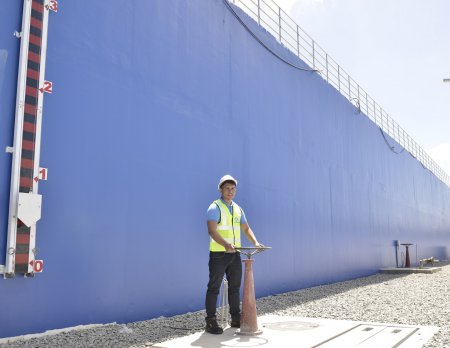
Maynilad Water Services, Inc. (Maynilad) has added 345 million liters (ML) to its water-storage capacity after rehabilitating five old reservoirs and constructing 13 new ones in different areas of its West concession. This is double its storage capacity when the company was reprivatized in 2007. From only seven reservoirs in 2007, Maynilad now has 32 […]
Maynilad rehabilitates Dagat-dagatan wastewater facility

Maynilad Water Services, Inc. (Maynilad) is upgrading its Dagat-dagatan Sewage and Septage Treatment Plant (DDSSTP), which will enhance the facility’s operational efficiency in treating the wastewater generated by some 16,000 customers in Caloocan, Malabon and Navotas, as well as the septage generated by more than 4 million customers in the northern part of the West […]
Maynilad awarded UK’s Investors in People standard accreditation
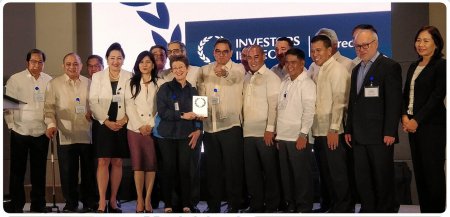
West Zone concessionaire Maynilad Water Services, Inc. (Maynilad) earned its Investors in People (IiP) standard accreditation, which confirms that its people management is benchmarked against international standards and best practices. The IiP is a globally recognized institution that sets the mark for people management excellence, defining what makes organizations a great employer that leads and […]
Maynilad taps new technology for algae monitoring
West Zone concessionaire Maynilad Water Services, Inc. (Maynilad) has started using an advanced algae monitoring probe to strengthen its capability to address algae presence in the raw water of Laguna Lake. The P3.9-million flourescence technology—acquired from German company bbe Moldaenke GmbH—is essential to the water production process of Maynilad’s Putatan Water Treatment Plant (PWTP) in […]
SERVICE IMPROVEMENT ADVISORY
Maynilad is temporarily shutting down its Putatan Water Treatment Plant (PWTP) in Muntinlupa City starting June 6. This shutdown is necessary so that PWTP can be interconnected to the new water treatment facility that Maynilad is currently constructing in the same area. The interconnection of the two facilities is an essential step toward full completion […]
Maynilad plants 54k mangroves in Cavite
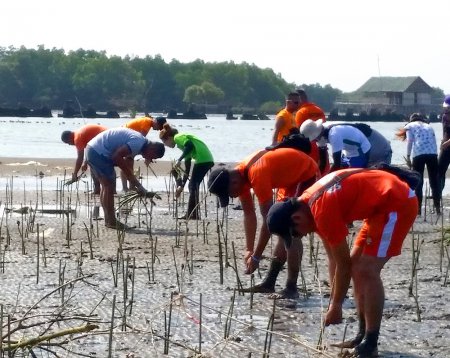
West Zone concessionaire Maynilad Water Services, Inc. (Maynilad) planted 54,000 mangrove propagules in the Manila Bay coastal areas of Cavite Province this year, as part of its “Plant for Life” reforestation and afforestation program. Over 400 volunteers from different government agencies, private companies and schools were tapped for the series of mangrove-planting activities in […]
Maynilad supports DepEd’s Brigada Eskwela 2018
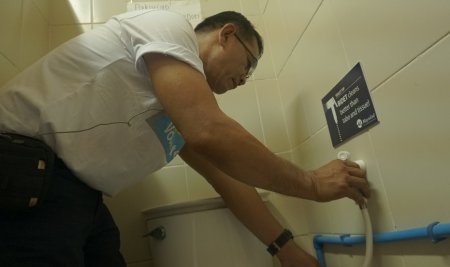
West Zone concessionaire Maynilad Water Services, Inc. (Maynilad) sent employee-volunteers to refurbish classrooms and upgrade water and sanitation facilities in 166 public schools throughout its concession area, in support of this year’s Brigada Eskwela program of the Department of Education (DepEd). � The water company kicked off its annual Brigada Eskwela participation with the installation […]
Maynilad builds new Central Laboratory
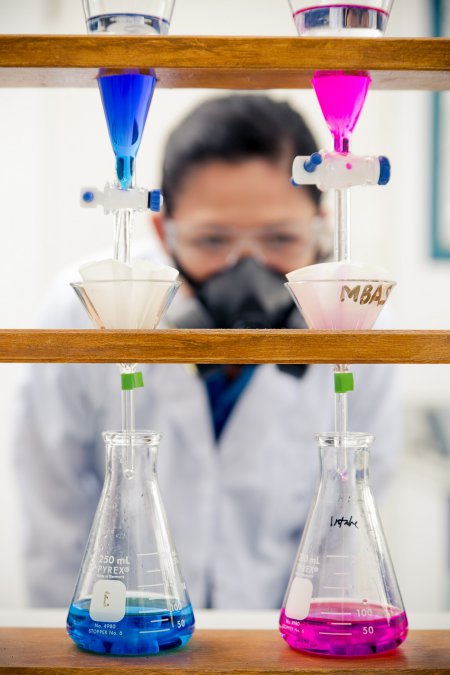
West Zone concessionaire Maynilad Water Services, Inc. (Maynilad) is constructing a new building inside La Mesa Compound in Quezon City to house its expanded Central Laboratory, which monitors and tests the quality of water supply within its concession area. The Maynilad Central Lab is equipped with state-of-the-art analytical instruments that allow Maynilad’s chemists to […]
Maynilad targets 24k new connections in 2018
West Zone concessionaire Maynilad Water Services, Inc. (Maynilad) is targeting to install over 24,000 new water service connections in 2018, bringing potable water from Maynilad’s distribution network to some 167,000 additional customers. These new connections—to be made in Valenzuela, Caloocan, Quezon City, Manila, Parañaque, Muntinlupa, Las Piñas, Bacoor, Imus, and Kawit in Cavite province—will […]
Maynilad to replace 290 km of old, leaky pipes in 2018
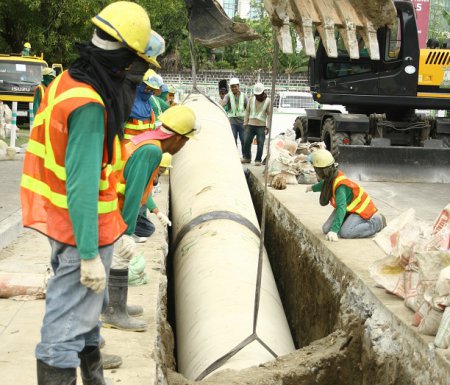
West Zone concessionaire Maynilad Water Services, Inc. (Maynilad) is replacing a total of 290 kilometers of old, leaky pipes this year, in line with its program to upgrade the distribution system and reduce water losses. Once completed, this will bring the total length of pipes replaced within Maynilad’s concession area to 2,285 kilometers or […]
