
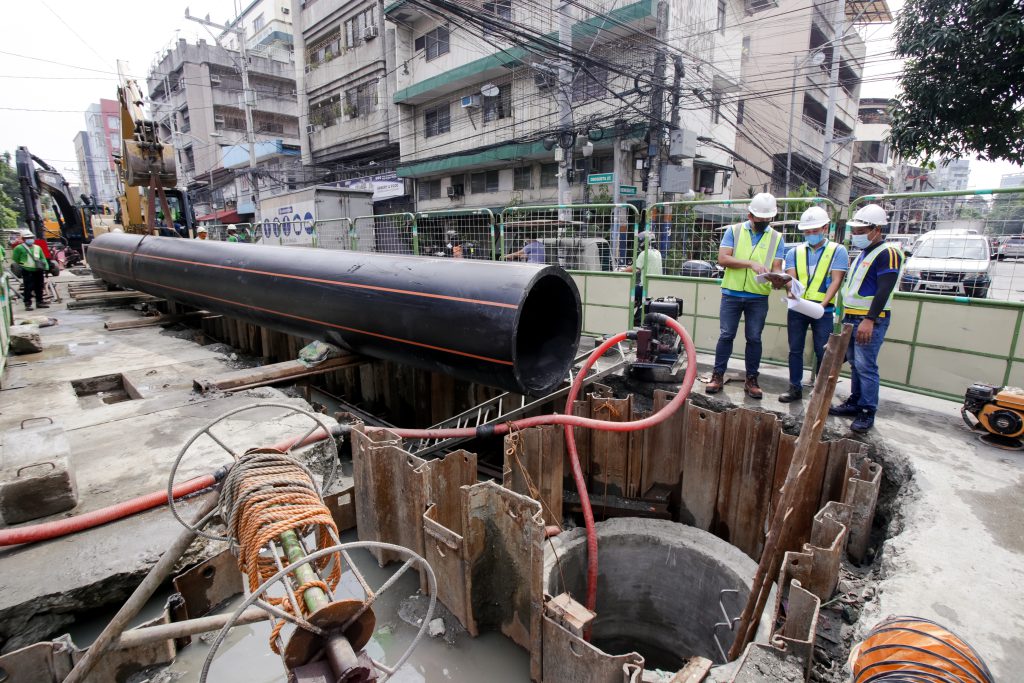
Below are the scheduled maintenance activities of Maynilad next week, most of which will take place during off-peak hours to minimize the impact of the supply interruption on our customers.
These activities are being done as part of the company’s continuous effort to improve water services in the West Zone.
Affected customers are encouraged to store enough water for the duration of the water service interruption. Maynilad has water tankers on standby, ready to deliver water to affected areas as needed.
Upon resumption of the water service, customers should let the water flow out for a few seconds until the water clears.
| City/ Municipality | Barangay | Schedule | Activity | Location of Activity |
| Caloocan City | Brgy. 36, 39, 189 to 191, 193, 194 and 196 | 11:01 p.m. to 3:00 a.m. daily, from February 22, 2026 to March 1, 2026 | Network Diagnostic / Leak Localization | at Rizal Avenue, Manila |
| Brgy. 171 | 9:00 a.m. to 12:00 p.m. of February 23, 2026 | Meralco Meter Replacement | at Saranay Inline Booster | |
| Brgy. 177 | 10:00 a.m. to 1:00 p.m. of February 23, 2026 | Meralco Meter Replacement | at Parkland Inline Booster | |
| Brgy. 166 | 11:00 a.m. to 2:00 p.m. of February 23, 2026 | Meralco Meter Replacement | at Torresville Inline Booster | |
| Brgy. 174 | 10:00 p.m. of February 24, 2026 to 6:00 a.m. of February 25, 2026 | Network Diagnostic / Leak Localization | at Pag-Asa Homesite, Caloocan City | |
| Brgy. 8 | 10:00 p.m. of February 23, 2026 to 4:00 a.m. of February 24, 2026 | Interconnection and Decommisioning | at Sinilyasi corner Salmon, Caloocan City | |
| Malabon City | Dampalit and Hulong Duhat | 12:01 a.m. to 3:00 a.m. of February 23, 2026 | Isolation Dry Run | at Womens Club in front of Super8 (near Tanza bridge), Malabon City |
| Manila | Brgy. 292, 294 to 301 and 303 to 305 | 11:01 p.m. to 3:00 a.m. daily, from February 22, 2026 to March 1, 2026 | Network Diagnostic / Leak Localization | at Binondo, Manila |
| Brgy. 198 to 207, 209 to 211, 213, 216, 217, 219 and 220 | 11:01 p.m. to 3:00 a.m. daily, from February 22, 2026 to March 1, 2026 | Network Diagnostic / Leak Localization | at Hermosa Street, Tondo, Manila | |
| Brgy. 835 to 840 and 865 | 11:01 p.m. to 3:00 a.m. daily, from February 22, 2026 to March 1, 2026 | Network Diagnostic / Leak Localization | at Pandacan, Manila | |
| Brgy. 48, 50 to 53, 55, 155, 221 to 225, 227 to 229, 231, 232, 353 to 356, 359, 360, 363 to 369, 373, 374, 377, 378, 380, 382 and 492 | 11:01 p.m. to 3:00 a.m. daily, from February 22, 2026 to March 1, 2026 | Network Diagnostic / Leak Localization | at Raxabago Street, Tondo, Manila | |
| Brgy. 524, 525, 529, 532, 533 and 535 | 11:01 p.m. to 3:00 a.m. daily, from February 22, 2026 to March 1, 2026 | Network Diagnostic / Leak Localization | at Sampaloc, Manila | |
| Brgy. 306 to 311, 313 and 315 | 11:01 p.m. to 3:00 a.m. daily, from February 22, 2026 to March 1, 2026 | Network Diagnostic / Leak Localization | at Santa Cruz, Manila | |
| Brgy. 32, 34, 35, 42, 45, 46, 77, 81 to 83, 86, 87, 91 to 93, 124, 128, 131 to 136, 138 to 140, 146, 177 to 183 and 649 | 11:01 p.m. to 3:00 a.m. daily, from February 22, 2026 to March 1, 2026 | Network Diagnostic / Leak Localization | at Tondo, Manila | |
| Brgy. 396 to 404, 430, 457 and 460 | 12:01 a.m. to 3:00 a.m. daily, February 23 to March 1, 2026 | Network Diagnostic / Leak Localization | at Recto Avenue, Santa Cruz, Manila | |
| Brgy. 147 to 149, 151, 152, 163 and 169 to 171 | 12:01 a.m. to 3:00 a.m. of March 1, 2026 | Network Diagnostic / Leak Localization | at Tondo, Manila | |
| Navotas City | Tanza 1 and Tanza 2 | 12:01 a.m. to 3:00 a.m. of February 23, 2026 | Isolation Dry Run | at Womens Club in front of Super8 (near Tanza bridge), Malabon City |
| Valenzuela City | Gen. T. De Leon and Parada | 12:01 a.m. to 4:00 a.m. daily, February 22 to 27, 2026 | Network Maintenance | at M. Delos Reyes Street, Valenzuela City |
| at Santulan Street, Valenzuela City | ||||
| at Gen. T. De Leon Road, Valenzuela City | ||||
| at Policarpio Street, Valenzuela City | ||||
| at S. De Guzman, Valenzuela City | ||||
| at Teacher’s Village, Valenzuela City | ||||
| Karuhatan, Malinta and Maysan | 12:01 a.m. to 4:00 a.m. daily, February 23 to 27, 2026 | Network Maintenance | at Maysan Road, Valenzuela City | |
| at Miranda Street, Valenzuela City | ||||
| at Lingunan Street, Valenzuela City | ||||
| at Capt. Cruz Road, Valenzuela City | ||||
| at Jiongco Street, Valenzuela City | ||||
| Gen T. De Leon, Karuhatan, Malinta, Marulas and Maysan | 12:01 a.m. to 4:00 a.m. daily, February 23 to 27, 2026 | Network Maintenance | at Pinalagad, Valenzuela City | |
| at Cayetano Street, Valenzuela City | ||||
| at San Francisco Street, Valenzuela City | ||||
| at Pasong Balite, Valenzuela City | ||||
| at Camia Street, Valenzuela City | ||||
| Arkong Bato, Palasan, Poblacion and Rincon | 10:00 p.m. of February 23, 2026 to 6:00 a.m. of February 24, 2026 | Network Maintenance | at Maligaya Street corner M.H. Del Pilar, Palasan, Valenzuela City | |
| at F. Valenzuela near Alley, 5 Palasan, Valenzuela City | ||||
| at G. Feliciano corner M.H. Del Pilar, Brgy. Palasan, Valenzuela City | ||||
| Noveleta, Cavite | Magdiwang and San Rafael II | 10:00 p.m. of February 23, 2026 to 4:00 a.m. of February 24, 2026 | Pressure Test | at Carmel corner Magdiwang, Noveleta, Cavite |
| Rosario, Cavite | Bagbag II, Kanluran, Muzon I, Muzon II, Poblacion, Sapa I to Sapa IV, Silangan I, Silangan II and Wawa I to Wawa III | 10:00 p.m. of February 23, 2026 to 4:00 a.m. of February 24, 2026 | Pressure Test | at Rosario, Cavite |
